
Getting Started
Get Minepanel running in about 2 minutes.
WARNING
Remember to change your password after the first login.
Requirements
- Docker 20.10+ & Docker Compose v2.0+
- 2GB+ RAM
- Linux, macOS, or Windows (WSL2)
Verify
docker --version && docker compose versionInstall
$git clone https://github.com/Ketbome/minepanel.git
Cloning into 'minepanel'...
$cd minepanel
Now in ./minepanel
$docker compose up -d
[+] Running 3/3
✔ minepanel-backend Started
✔ minepanel-frontend Started
✔ minepanel-db Started
Access: http://localhost:3000
Login: admin / admin
Change password
Go to Profile → Change Password after first login.
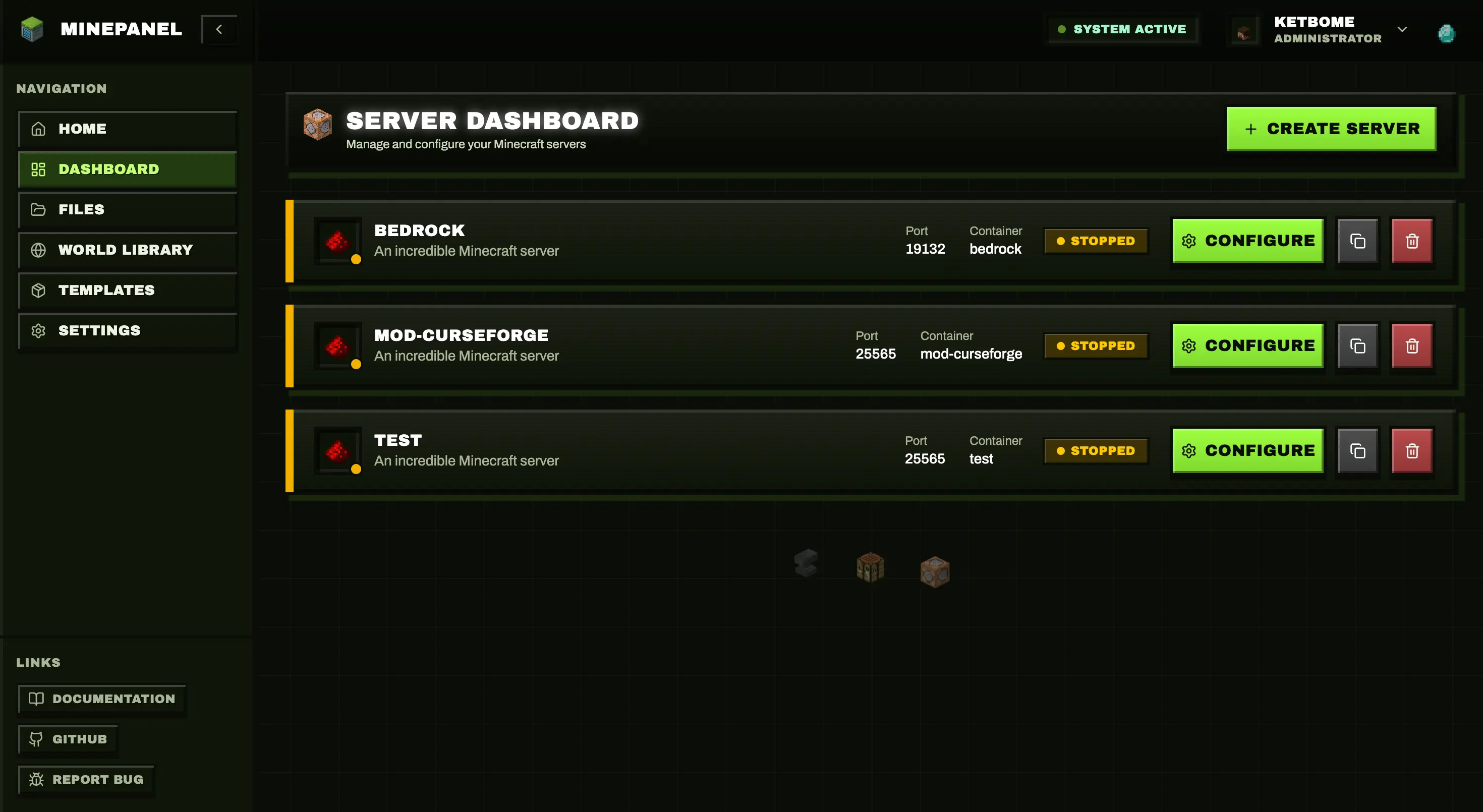
Create Your First Server
- Click "New Server"
- Fill: Name, Type (Paper/Forge/etc.), Version, Port, Memory
- Click Create
- Wait for download → Play!
Remote Access
To access from outside your network, update docker-compose.yml:
environment:
  - FRONTEND_URL=http://your-ip:3000
  - NEXT_PUBLIC_BACKEND_URL=http://your-ip:8091
- ALLOW_INSECURE_AUTH_COOKIES=true # Only if staying on HTTP (LAN/dev)Then restart:
docker compose restart→ Full guide: Networking
HTTP authentication
ALLOW_INSECURE_AUTH_COOKIES=true is a fallback for HTTP-only setups. For production/public access, use HTTPS and keep this variable disabled.
Next Steps
| Topic | What you'll learn |
|---|---|
| Configuration | Environment variables, ports, directories |
| Server Types | Paper, Forge, Neoforge, Fabric, modpacks |
| Networking | Remote access, SSL, proxy |
| Features | Everything Minepanel can do |
Troubleshooting
Permission errors (Linux):
sudo usermod -aG docker $USER
# Log out and back inCheck logs:
docker compose logs -f→ More help: Troubleshooting | FAQ